
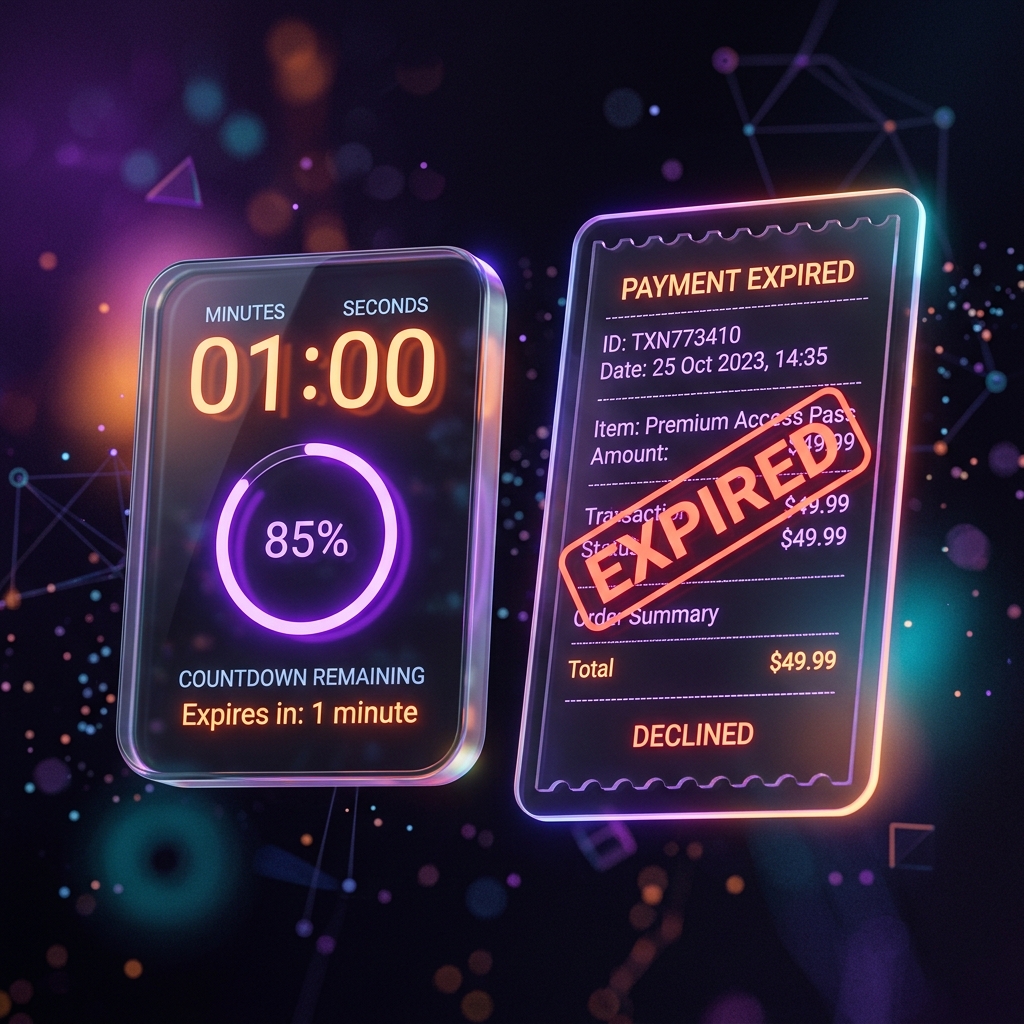
Why transactions expire after one hour
At KiddyCash, we believe that a digital ledger is only useful if it is accurate and up-to-date. To ensure that parents, schools, and businesses always have a clear view of their funds, we implement a universal 1-hour expiration policy for all pending transactions.
If a transaction is not explicitly Approved or Declined within 60 minutes of being created, the system will automatically mark it as Expired.
Why do transactions expire?
There are three primary reasons for this policy:
- Security & Intent: A pending transaction is an unfulfilled request for money. Limiting its lifespan prevents old, forgotten, or mistaken requests from sitting in your queue forever. If a child made a mistake at a canteen an hour ago, you don’t want to accidentally approve it hours later.
- Ledger Integrity: Many transactions “earmark” or hold funds from a sender’s balance. If we allowed these to stay pending indefinitely, it would be impossible for users to know exactly how much “spendable” money they have left. Expiration releases these holds quickly.
- Real-Time Feedback: For kids, the lesson of spending is most effective when the feedback is immediate. Expiration forces a quick loop of request -> approval or rejection.
What happens when a transaction expires?
When the 1-hour timer runs out:
- The transaction status changes to Expired.
- Any funds that were being “held” are immediately returned to the child’s (or sender’s) available balance.
- Both the sender and the receiver will see the “Expired” status in their activity history.
- The child must initiate a new transaction if they still wish to make the payment.
Does this apply to all transactions?
Yes. The 1-hour rule is a universal system invariant. It applies to:
- Real-money transactions awaiting parent approval.
- Virtual ledger transactions (Ledger Mode) awaiting school or business manager approval.
- Internal family transfers between siblings or parents.
How to prevent expirations
- Enable Notifications: Ensure that the KiddyCash app has permission to send push notifications so you are alerted the moment a request is made.
- Use Smart Approvals: For frequent, low-risk expenses, you can set up Smart Approval rules to authorize transactions automatically based on amount or category.
Related articles: