
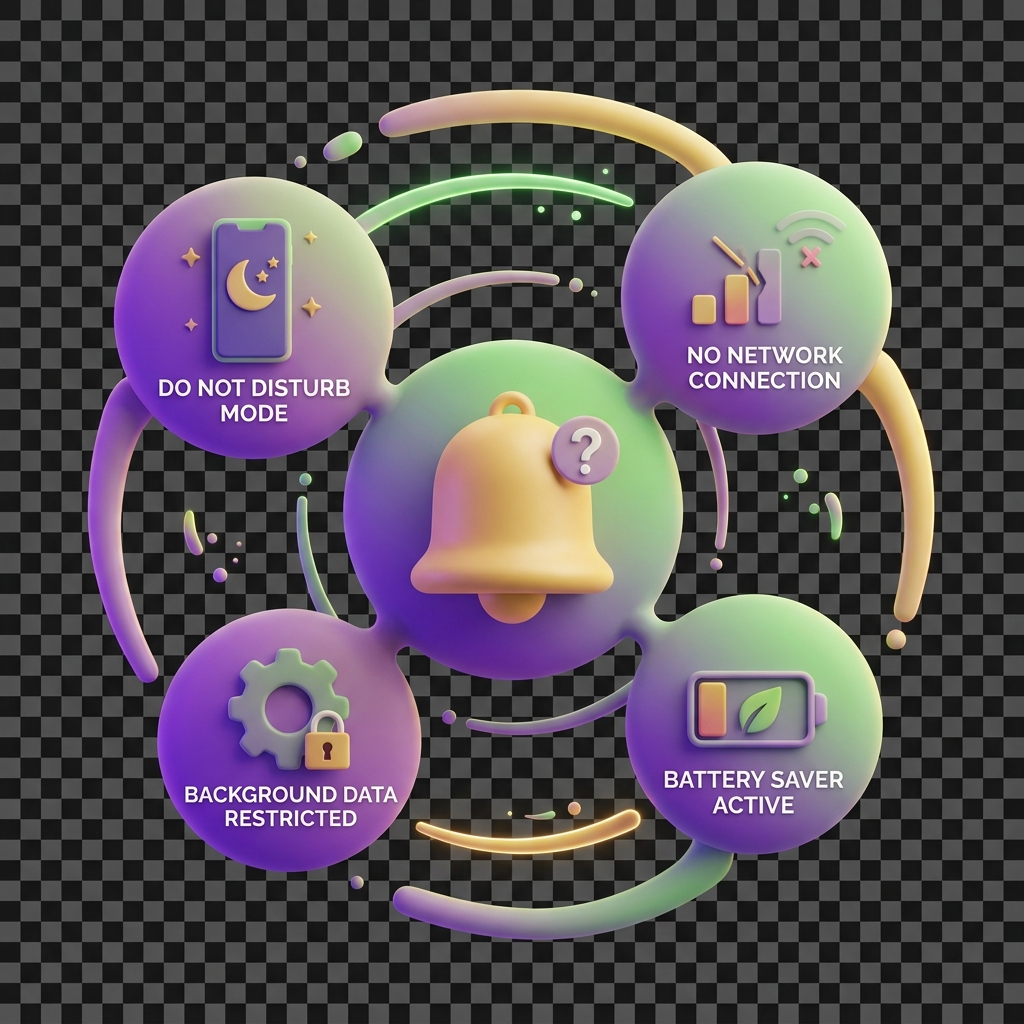
Why a notification never arrived
Notifications keep your family’s KiddyCash activity visible — from allowance top-ups to badge awards to transaction code confirmations. When one goes missing, it usually points to one of three problem areas: your inbox setup, your device configuration, or a delivery issue on the platform side. Work through each layer below.
Symptoms
- A transaction completed successfully but no push notification or email arrived.
- You received a notification hours after the event (common during peak evening hours in your city and other high-traffic regions).
- Notifications arrive for some event types — say, badge awards — but not for wallet credits or your local currency transfers.
- A family member’s child wallet shows updated balance with no corresponding alert.
Common causes
1. Notification preferences are partially disabled
KiddyCash lets you configure alerts granularly — per event type, per wallet, and per family member. It’s easy to switch off a category (e.g. allowance disbursements) without realising it. Head to your notification settings and confirm every relevant toggle is active for the accounts you manage.
2. Device-level permissions were revoked
Operating systems on Android and iOS can silently revoke app notification permissions after an OS update or a battery-optimisation routine. This is especially common on budget Android handsets popular across regions worldwide, where aggressive background-kill processes cut off apps like KiddyCash from delivering alerts.
3. Email filtered or bounced
Transactional emails — KYC status updates, subscription renewals, campaign results — sometimes land in spam or are blocked by corporate mail filters. If your account email is a work address, check your spam folder and whitelist @kiddy.cash. Note that if your KYC or KYB verification was recently flagged, you may have missed a follow-up email; see why verification gets rejected for context on those flows.
4. Bank integration sync delay
If the trigger for a notification was an inbound bank transfer — mobile money paybill, direct bank credit — the notification fires only after KiddyCash reconciles the transaction. During integration outages or maintenance windows, that reconciliation can stall. If the underlying transaction is also showing as unconfirmed, read why a transaction stays pending too long before troubleshooting notifications further. Recent changes to how KiddyCash handles bank data are covered in what’s new in bank integrations in KiddyCash and the deeper dive in a closer look at bank integrations in KiddyCash.
5. Multiple devices or sessions
If you’re logged in on a tablet and a phone, push notifications may only reach the most recently active session depending on your device token state.
How to fix it
-
Check notification settings first. Open https://kiddy.cash/notifications and review each category. Re-enable anything toggled off, then trigger a test event (send a small allowance) to confirm delivery.
-
Recheck device permissions. On Android: Settings → Apps → KiddyCash → Notifications → Allow. On iOS: Settings → KiddyCash → Notifications → Allow Notifications. Force-close and reopen the app afterwards.
-
Clear and re-register your push token. Log out of all KiddyCash sessions, log back in on your primary device, and wait two minutes. This forces a fresh device token registration.
-
Confirm your email address is verified and clean. An unverified or mistyped email silently drops all transactional mail. Check under account settings and re-send the verification if needed.
-
Wait out a bank sync delay. If the missing notification is tied to an mobile money or bank credit, allow up to 15 minutes during off-peak hours before escalating to support.
-
Contact support with a transaction reference. If none of the above resolves it, share the transaction code (visible in wallet history) with the support team so they can trace the notification event server-side.