
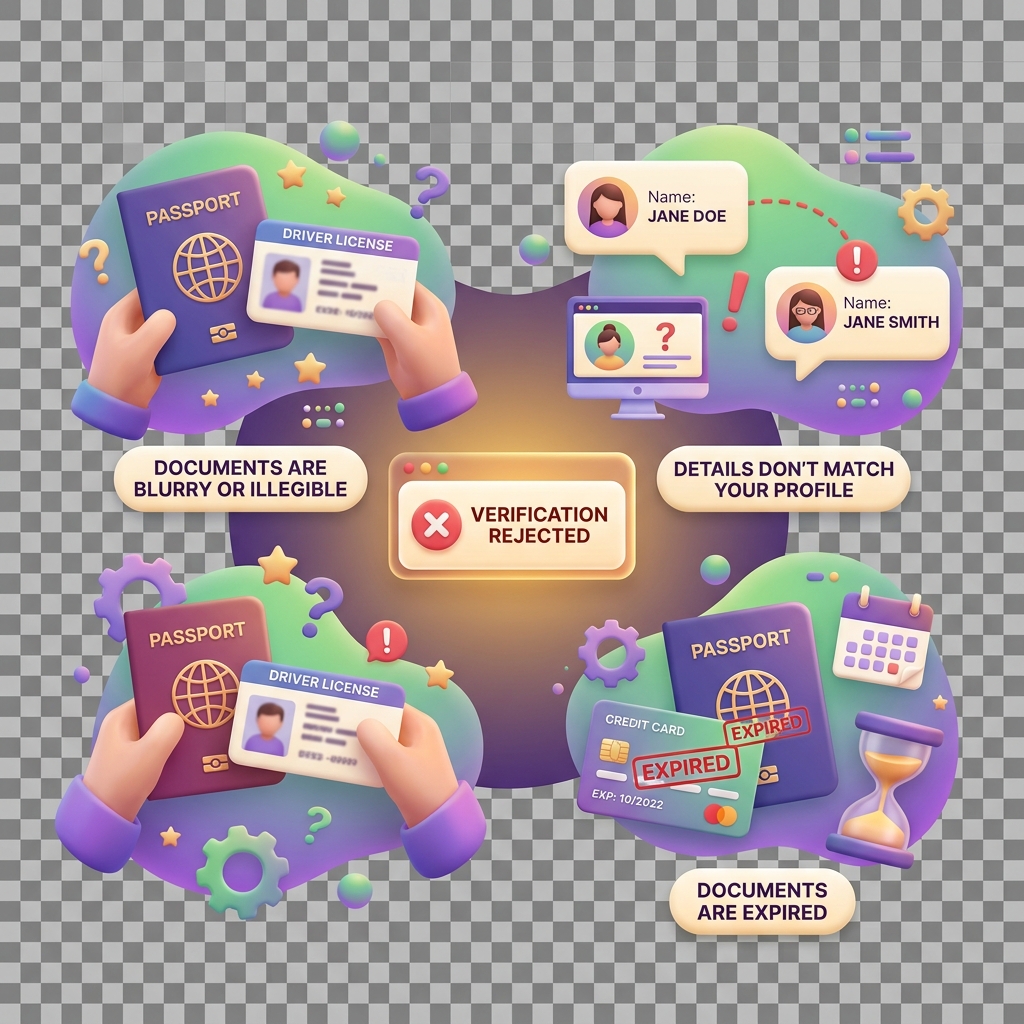
Why Verification Gets Rejected
Verification failures block access to core KiddyCash features — funding wallets, approving allowances, linking school accounts, or running business campaigns. If your KYC, KYB, or KYS submission was rejected, this article explains exactly why and what to do next.
Symptoms
- Verification status shows Rejected or Action Required in your KiddyCash profile
- You cannot fund a child’s wallet or approve spending limits
- Business or school features are locked behind a verification gate
- You submitted documents but received no approval after 48 hours
- A re-submission was rejected a second time without a clear error message
Common Causes
1. Document Quality Issues
The most frequent rejection reason. Blurry scans, expired IDs, or photos with glare fail automated document checks before a human reviewer ever sees them. National IDs from various markets, or many countries must show all four corners clearly. local national ID and passport bio-data pages are accepted; handwritten documents are not.
2. Name Mismatch
The name on your submitted ID must exactly match the name registered on your KiddyCash account. A common edge case: users who registered with a nickname or a middle name omitted will fail this check. Businesses registered in your city under a trading name different from the legal entity name on the tax identification certificate will also trigger a KYB mismatch.
3. KYB-Specific: Incomplete Business Documents
For KYB (Know Your Business), all of the following are required together:
- Certificate of Incorporation or Business Registration
- tax identification certificate
- A utility bill or bank statement dated within 90 days showing the business address
- At least one director’s KYC documents
Missing any single document causes the entire submission to fail. This is a common failure point for school accounts applying for the institutional tier. Recent changes to supported document sets are covered in what’s new in bank integrations in KiddyCash.
4. KYS-Specific: School Enrollment Data
KYS (Know Your School) failures often occur when the school registration number does not match ministry records, or when the submitted student roster format is incorrect. Rosters must be in the approved CSV schema — custom Excel formats are rejected automatically.
5. Sanctions and Watchlist Hits
KiddyCash runs all submissions against international and local sanctions lists. A partial name match can trigger a hold that looks like a rejection. This is not a permanent block — contact support with your case reference number.
6. Proof of Address Failures
mobile money statements are accepted as proof of address for individual KYC. However, the statement must be the official PDF exported from the mobile money app or retrieved via mobile provider menu, not a screenshot. Screenshots are rejected at the document parsing stage.
Solutions
- Review the rejection reason in your verification dashboard. Each rejection includes a specific code — use it when contacting support.
- Re-scan documents at 300 DPI minimum. Use a flat surface in natural light. Avoid phone screenshots of screens.
- Correct name mismatches by updating your account display name to match your legal ID before re-submitting.
- For KYB, compile all required documents into a single submission. Partial uploads are not saved between sessions.
- For mobile money address proof, export the official statement PDF and verify the date range covers the last 90 days.
- If a verification delay is affecting live transactions, see why a transaction stays pending too long for interim steps.
- If your verification feeds into a bank integration that is also failing, check why an integration connection fails — the two failures can share a root cause. Background on how integrations interact with verification is in a closer look at bank integrations in KiddyCash.