
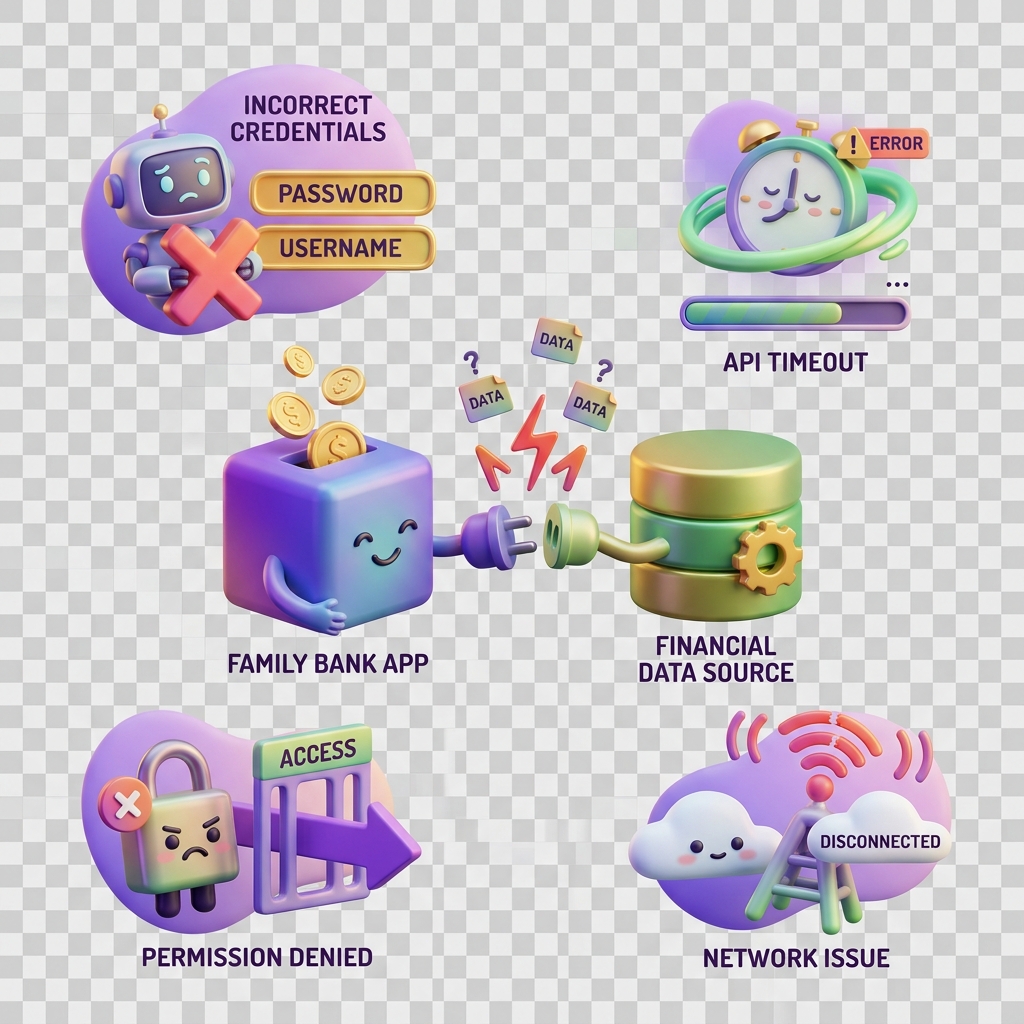
Why an integration connection fails
Account integrations link your bank or mobile money account to KiddyCash so that allowances, subscription payouts, and campaign disbursements flow automatically. When a connection fails, payments stop moving — which matters whether you are running a school fee programme in your city or managing employee child-benefit wallets across multiple businesses.
This article covers the most common failure modes and how to fix them precisely.
Symptoms
You may be dealing with a broken integration if you notice any of the following:
- The integration status shows “Connection error” or “Disconnected” in your account integration settings
- Allowance transfers or subscription payouts are not reaching kids’ wallets
- Transaction codes are generated but funds never settle
- your local currency disbursements from campaigns are stuck or delayed (see also why a transaction stays pending too long)
- A previously working mobile money or bank integration stopped functioning after a credentials update
Causes
Integration failures almost always trace back to one of four root causes.
1. Expired or revoked credentials OAuth tokens and API keys issued by banks or mobile money expire on a rolling schedule. If your team rotated credentials on the provider side without updating KiddyCash, the integration silently loses access. This is the single most common cause we see.
2. KYB verification status KiddyCash enforces Know Your Business checks before allowing live payment flows. If your business verification is pending review or was rejected, integrations are suspended at the platform level — not at the bank level. Check your verification status directly; if you were recently flagged, review why verification gets rejected for the exact criteria.
3. Scope or permission mismatch
Some banks and mobile money providers require explicit permission scopes — for example, account:read, payment:initiate — to be re-authorised when your account tier changes. If you upgraded your KiddyCash business plan or added a new sub-account, the previously granted scopes may no longer cover the new permission surface.
4. Provider-side maintenance or policy changes Banks occasionally push API version deprecations or enforce new IP allowlisting policies without broad notice. KiddyCash monitors these changes and publishes updates — see what’s new in bank integrations in KiddyCash for the latest provider-specific notices. For a deeper technical overview of how integrations are architected, read a closer look at bank integrations in KiddyCash.
Solutions
Work through these steps in order.
Step 1 — Re-authenticate the integration Go to your integration management page, disconnect the affected account, and reconnect using current credentials. For mobile money integrations, this means re-entering your Consumer Key and Consumer Secret from the Daraja portal.
Step 2 — Confirm KYB status is active Navigate to Business Settings → Verification. If your status is anything other than Verified, no integration will function regardless of credential validity. Resolve any outstanding KYB requirements first.
Step 3 — Re-grant all required OAuth scopes
When reconnecting, do not accept the default pre-filled scope set. Manually verify that payment:initiate and any disbursement scopes are checked. Scope prompts vary by provider; consult your bank’s developer documentation for the exact names.
Step 4 — Check provider maintenance windows Review your email for notices from your bank or your mobile carrier. Cross-reference against the KiddyCash status page. If the provider is under maintenance, the integration will self-recover once service resumes — no action is needed on your side.
Step 5 — Contact support with a trace ID If the connection still fails after the steps above, copy the Trace ID shown on the integration error screen and contact KiddyCash support. Include your business account ID and the exact time of the last failure attempt.