
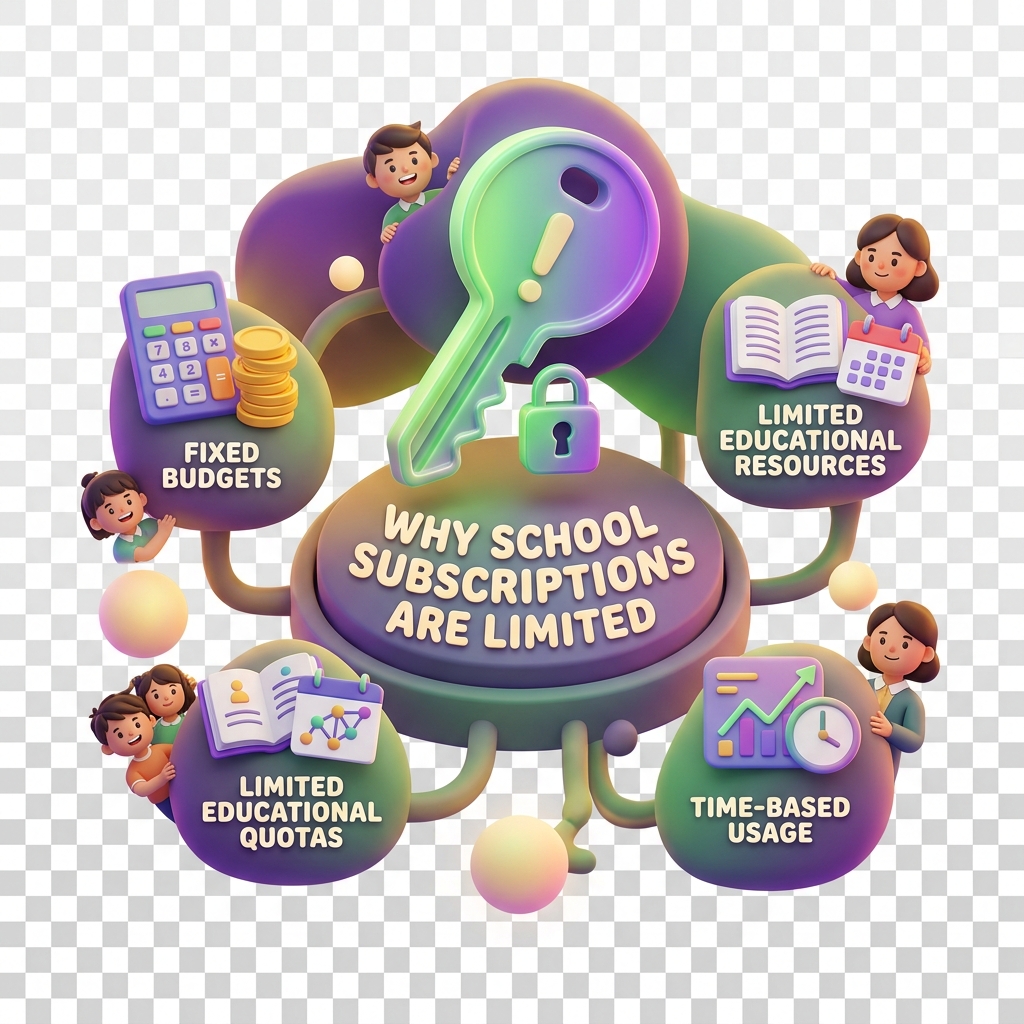
Why a school subscription is limited
When your school hits a plan limit, features start behaving in ways that aren’t immediately obvious — dashboards go read-only, new student wallets stop activating, and allowance distributions silently fail. This article explains what’s actually happening under the hood and how to get things moving again.
Symptoms to look out for
You’re likely hitting a subscription limit if you notice any of the following:
- New student wallet registrations are accepted but stay inactive
- Bulk allowance disbursements partially complete — some students receive funds, others don’t
- The Invite Families button is greyed out or throws an error
- Badge assignments and campaign enrolments stop working mid-term
- Transaction codes stop generating for new students
- Bank integration syncs begin failing silently — worth checking against recent changes covered in what’s new in bank integrations in KiddyCash
These symptoms often appear gradually, which is why many administrators only notice the problem after a new intake at the start of term.
What causes these limits
KiddyCash school plans are structured around three core capacity dimensions:
1. Student wallet seats Each plan tier defines a maximum number of active student wallets. Once you hit that ceiling, new wallets are created in a pending-activation state. This is different from a wallet being pending due to a payment issue — if you’re unsure which applies, see why a transaction stays pending too long.
2. Family account links Plans also cap how many parent or guardian accounts can be linked to your school. In practice, this affects mobile money top-up flows — a parent in your city who pays via mobile money but isn’t linked to your school account won’t have their deposit credited to their child’s wallet automatically.
3. Feature-level entitlements Some features — campaigns, badge programmes, and advanced KYC/KYB verification workflows — are only available on higher-tier plans. If your school was on a trial or a legacy plan, these may have been temporarily unlocked and have since reverted. Verification rejections that seem unexplained are sometimes tied to plan-level KYC configuration; see why verification gets rejected for a deeper breakdown.
Plan limits reset on your billing anniversary, not at the start of the school calendar — so a September intake won’t automatically give you fresh capacity if your plan renewed in March.
How to fix it
Check your current limits first
Go to your school subscription page (replace :school_id with your actual school ID). You’ll see a live count of used vs. available seats across wallets, family links, and feature entitlements.
Upgrade your plan If you’re close to or at the ceiling, upgrading immediately unlocks pending wallets and re-enables blocked features. Upgrades take effect in real time — no need to wait for your next billing cycle.
Archive inactive wallets If upgrading isn’t an option right now, archiving wallets for students who’ve left the school frees up seats without changing your plan. Go to Students → Manage → Archive for any leavers.
Review your bank integration setup Plan limits can interact with bank sync behaviour in non-obvious ways. The article a closer look at bank integrations in KiddyCash explains how integration tiers map to plan levels — useful if your local currency disbursements are failing at scale.
Contact support If your subscription page shows available capacity but features are still restricted, there may be a configuration issue on your school account. Reach out to the KiddyCash schools support team with your school ID and a screenshot of the subscription page.